Locked-down computers
Prepare a long text on the phone, then enter it on a company computer, guest session or administrative environment without installing software on that machine.
 Klavair
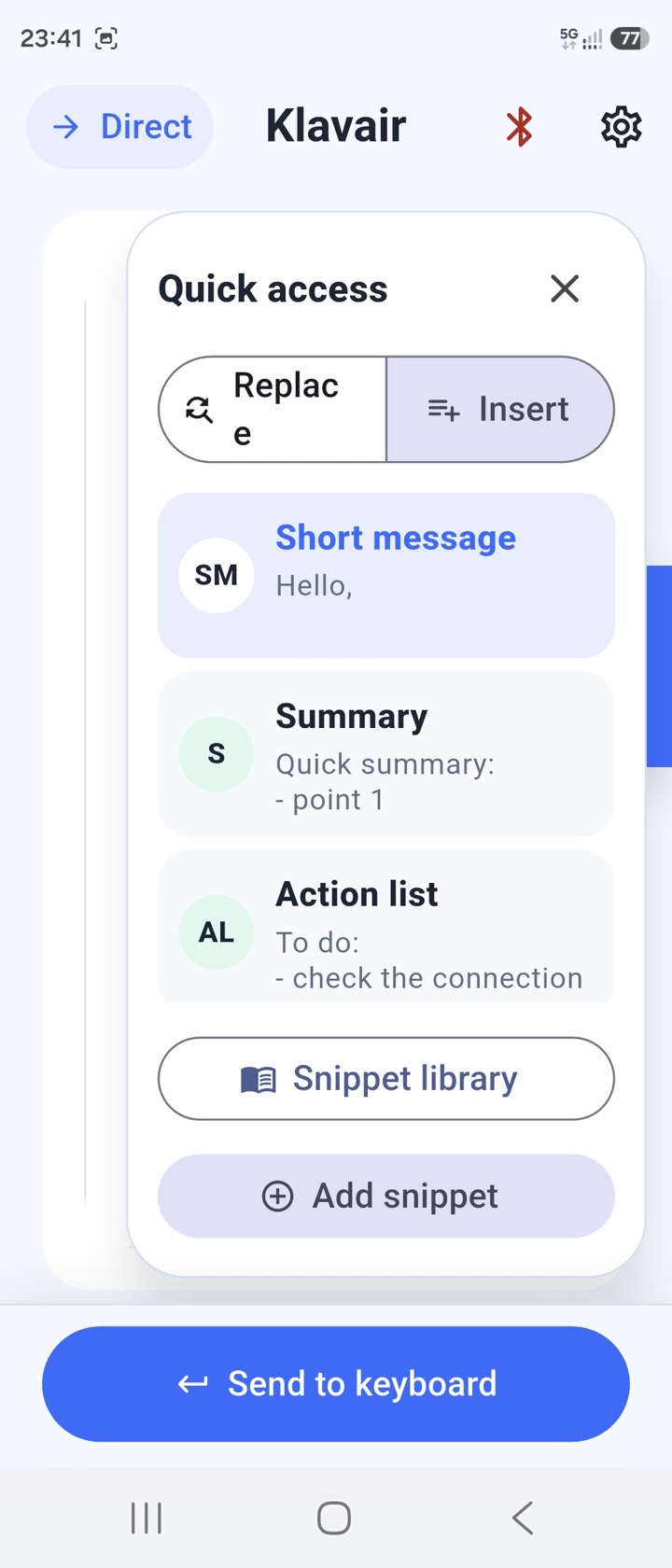
Klavair sends text typed, dictated or shared on your phone to a target computer as if you were typing on a physical keyboard. Nothing needs to be installed on the computer or machine.
Already have a compatible dongle? Install the Klavair firmware
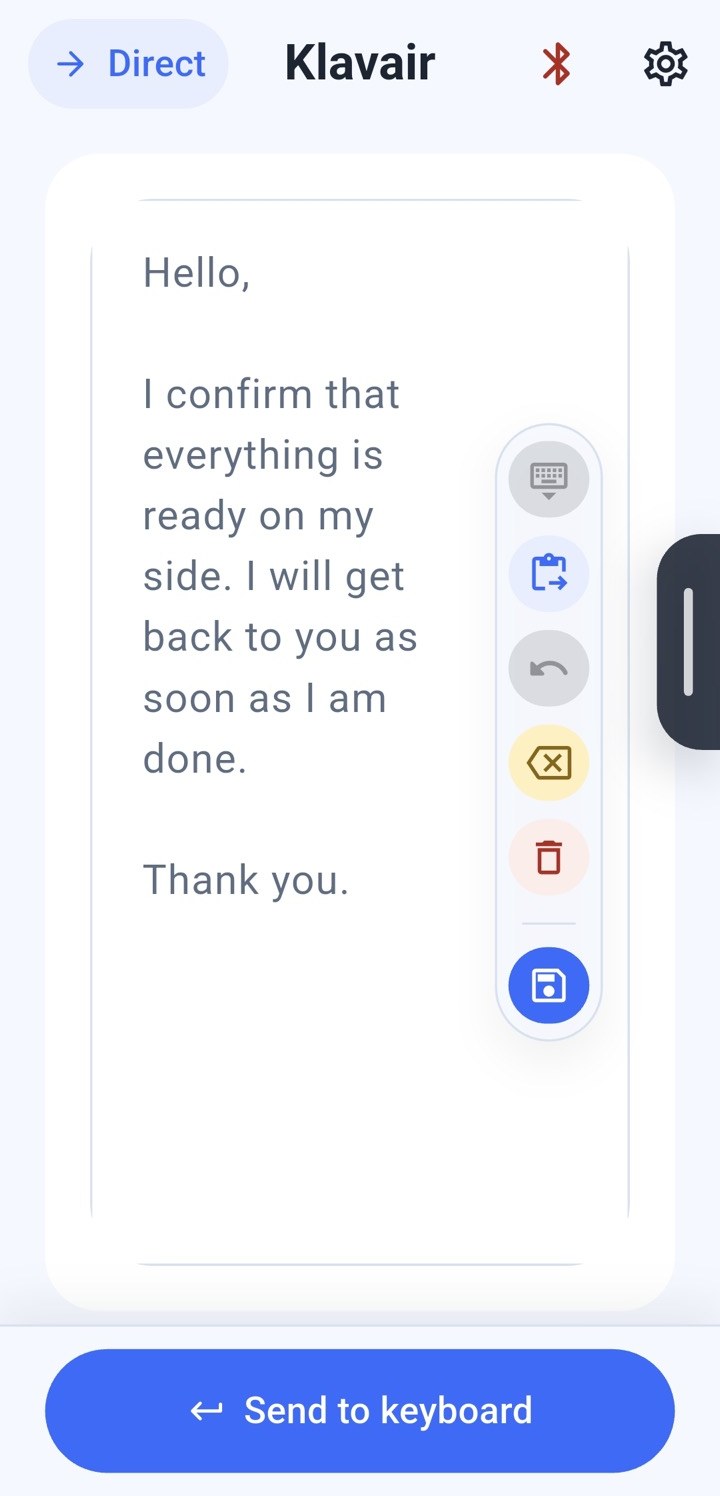
You prepare the text on the phone, then the dongle types it wherever you placed the cursor on the target computer.
Principle
You use the phone microphone and screen to dictate, review, correct or reuse saved text. The dongle plugged into the target computer then receives the text and enters it as a USB keyboard.
The target computer does not need a good microphone, an account or installed software. It only needs to accept a USB keyboard.
Why a dongle?
Bluetooth-only solutions often require pairing or configuring the
target computer. With Klavair, the connection is between the app and
the dongle; the target computer only sees a USB keyboard.
Use cases
Prepare a long text on the phone, then enter it on a company computer, guest session or administrative environment without installing software on that machine.
Send text to a kiosk, console, dedicated machine or isolated computer that accepts a USB keyboard, but offers no app, cloud account or shared clipboard.
Phones already have very capable microphones. Klavair makes dictation possible on computers that do not have a good microphone installed.
Reuse a frequent text on the phone, adapt it, then send it to the target computer as keyboard input.
Who for?
Write notes, reports or observations from a computer where installing personal tools is restricted.
Prepare, rewrite and send texts in several languages without depending on the target computer.
Enter exercises, translations or notes more easily when the computer keyboard is not suited to the language being used.
Move from one alphabet or keyboard layout to another without reconfiguring the computer currently in use.
Speed up intensive typing on administrative computers where apps and peripherals are tightly controlled.
Enter text from your phone on a computer used by several people, without changing that computer's configuration.
How to use
Klavair does not read the target screen and does not know where the cursor is. As with a real keyboard, you place the cursor where you want the text, then send.
Hardware
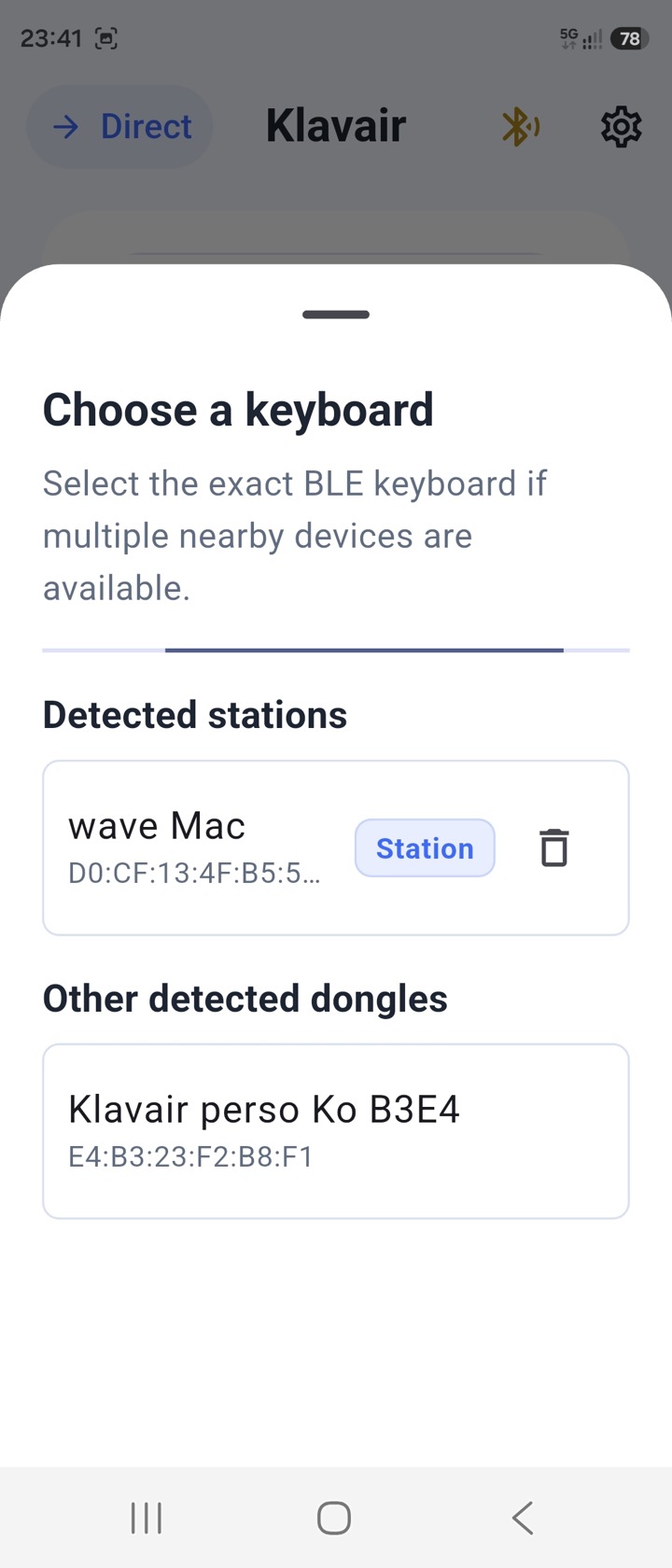
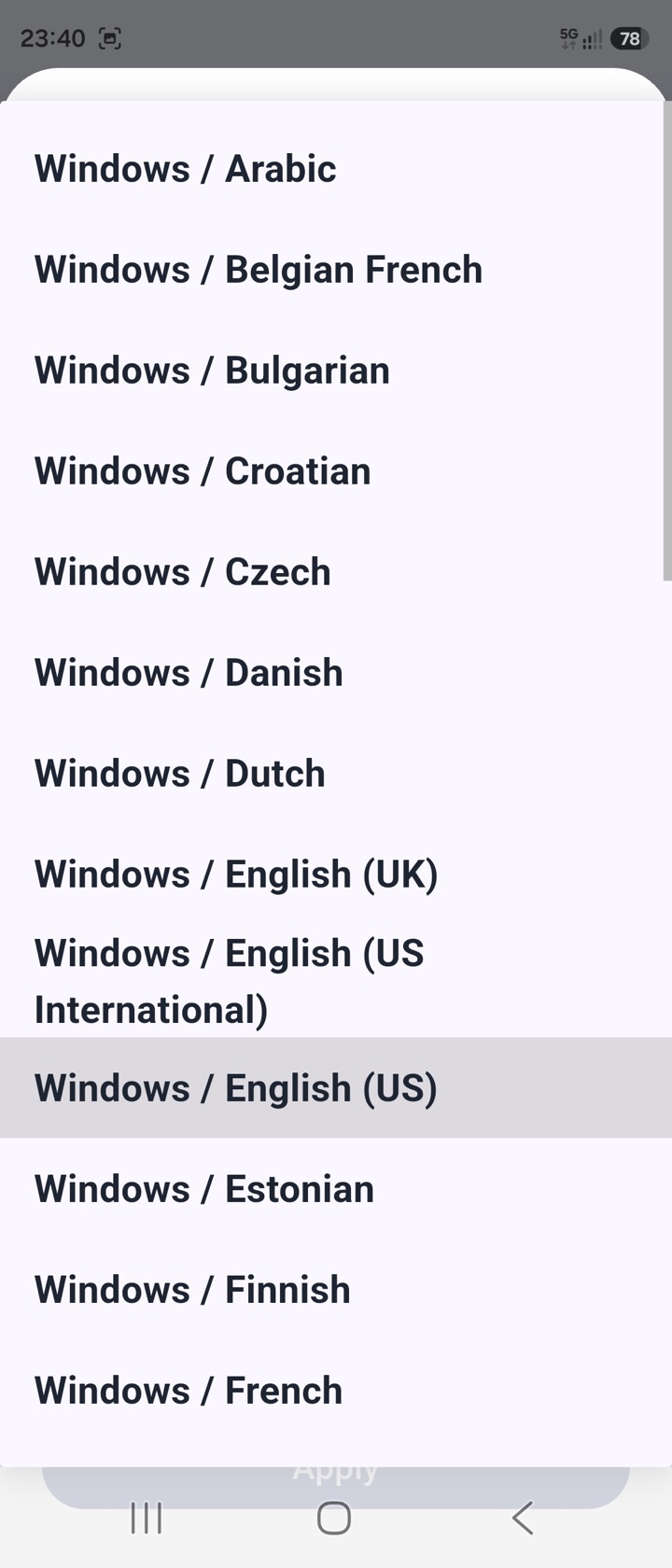
The Klavair app does not work on its own: a dongle must be plugged into the target computer. The hardware below is either designed for Klavair or tested with Klavair. ESP32-S3 dongles must then receive the Klavair firmware from this site.
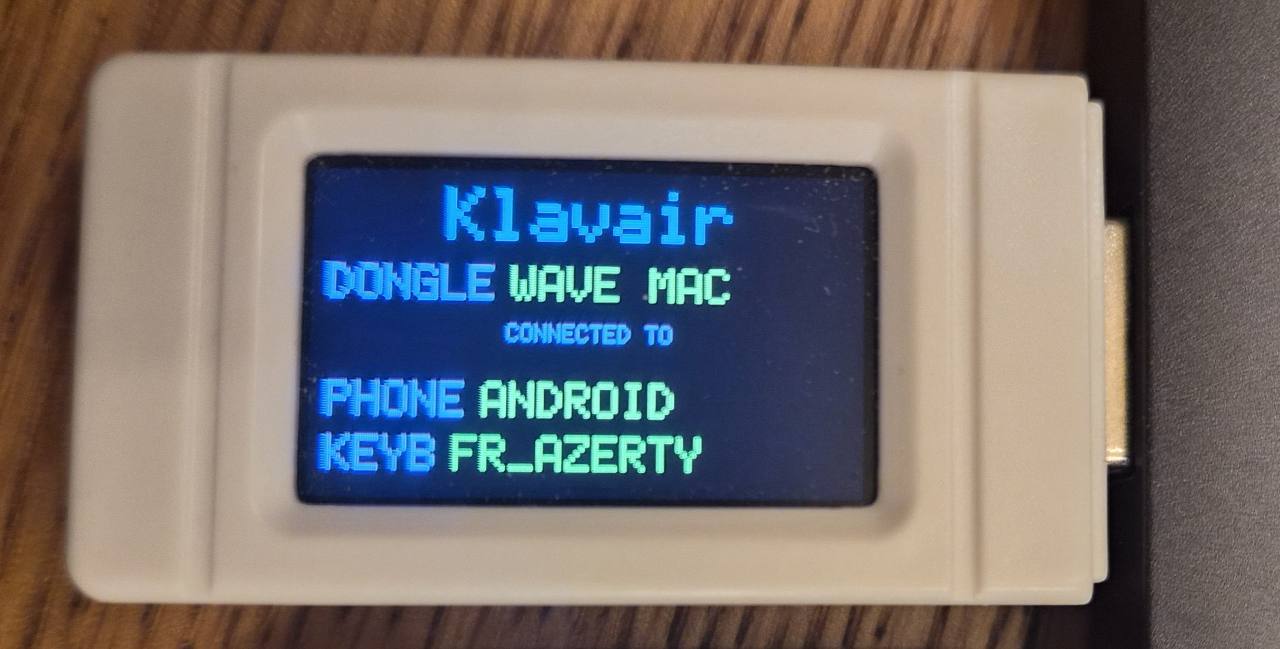
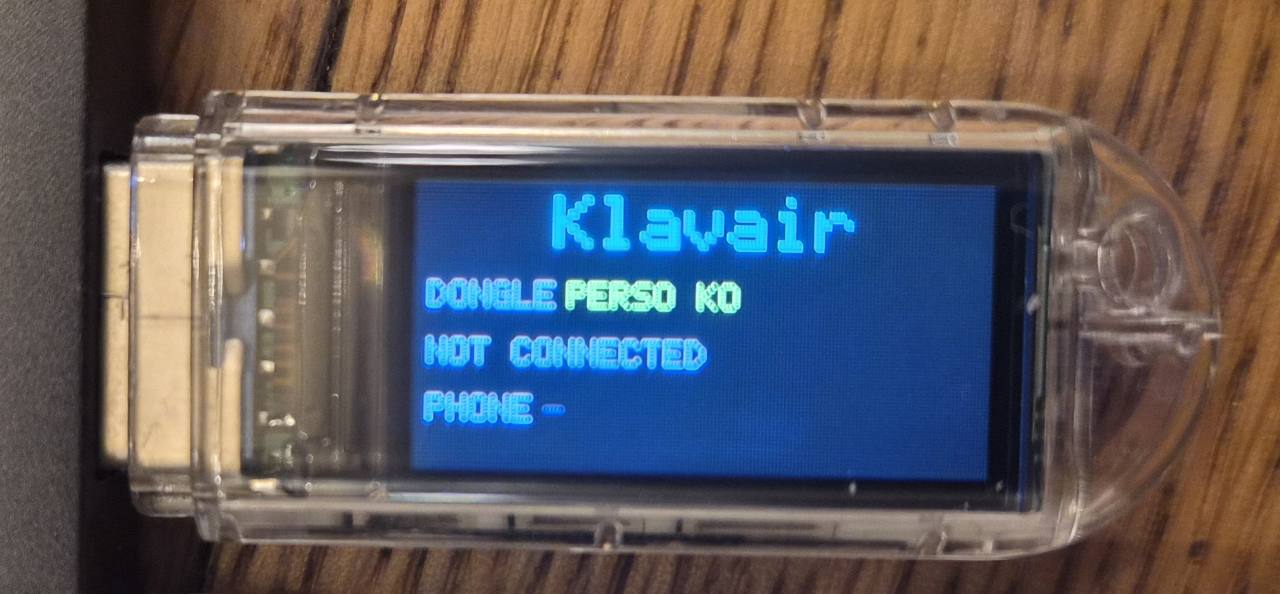
Version with local status display on the built-in screen.
Official LILYGO T-Dongle-S3 pageVersion without local display for a simpler, more discreet dongle.
Official LILYGO T-Dongle-S3 pageVersion dedicated to the Waveshare module with 1.14-inch screen.
Official Waveshare ESP32-S3-GEEK pageScreenless option for boards close to the tested models.
See generic ESP32-S3 firmwareA long-standing device with its own environment. Klavair provides compatibility with InputStick for users who already have one or prefer this device.
InputStick websitePricing
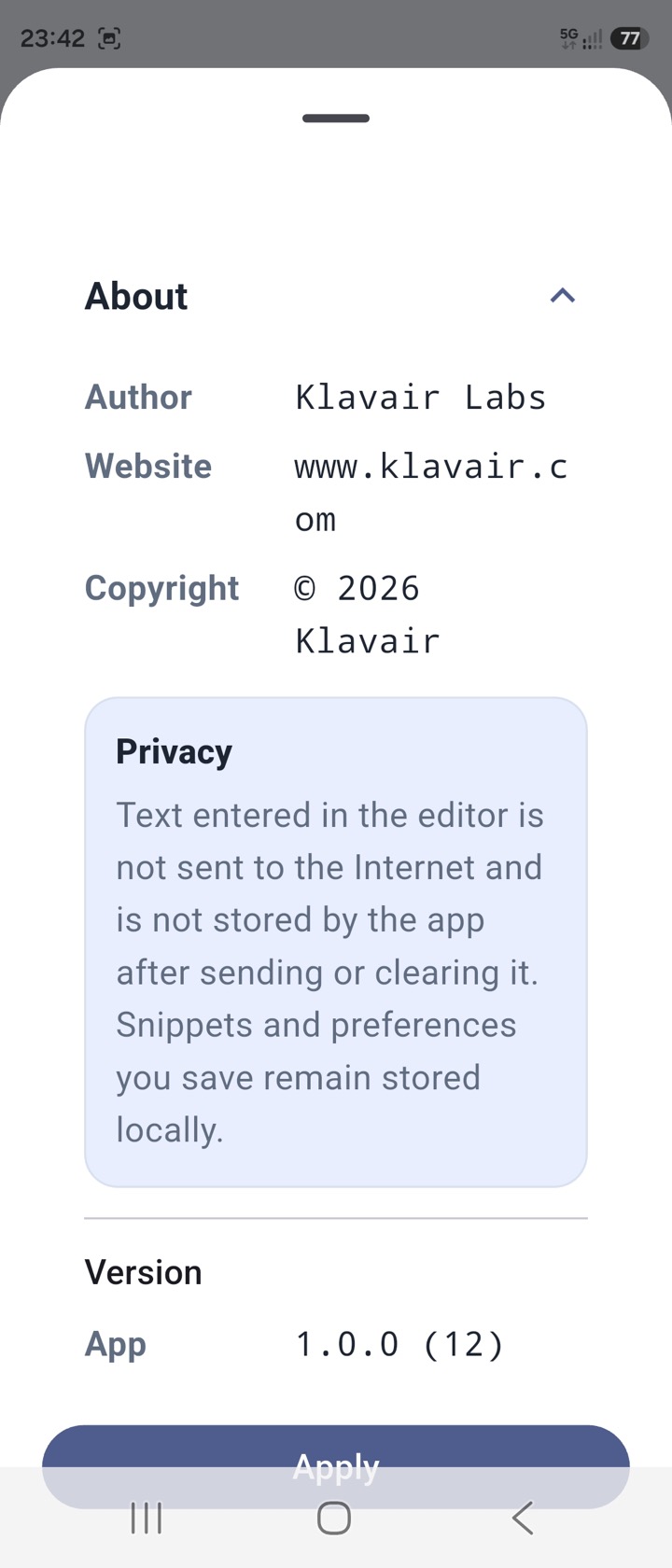
Klavair is purchased through in-app purchase in the App Store or Google Play. The dongle remains a separate purchase from the seller of your choice.
App Klavair
The exact price appears in the store according to your country and account. A launch promotion is planned at release.
Responsibility
For questions, test feedback or support requests: contact@klavair.com. The public website does not use advertising cookies or Klavair audience analytics.